Skocz do zawartości

Witamy w Nieoficjalnym polskim support'cie AMX Mod X

Witamy w Nieoficjalnym polskim support'cie AMX Mod X, jak w większości społeczności internetowych musisz się zarejestrować aby móc odpowiadać lub zakładać nowe tematy, ale nie bój się to jest prosty proces w którym wymagamy minimalnych informacji.
  • Rozpoczynaj nowe tematy i odpowiedaj na inne
  • Zapisz się do tematów i for, aby otrzymywać automatyczne uaktualnienia
  • Dodawaj wydarzenia do kalendarza społecznościowego
  • Stwórz swój własny profil i zdobywaj nowych znajomych
  • Zdobywaj nowe doświadczenia

Dołączona grafika Dołączona grafika

Guest Message by DevFuse
 

RedSMURF - zdjęcie

RedSMURF

Rejestracja: 18.06.2026
Aktualnie: Nieaktywny
Poza forum Ostatnio: dziś, 10:44
-----

#780429 Xen Tree

Napisane przez RedSMURF w 09.09.2026 17:02

Xen Tree

 
Description
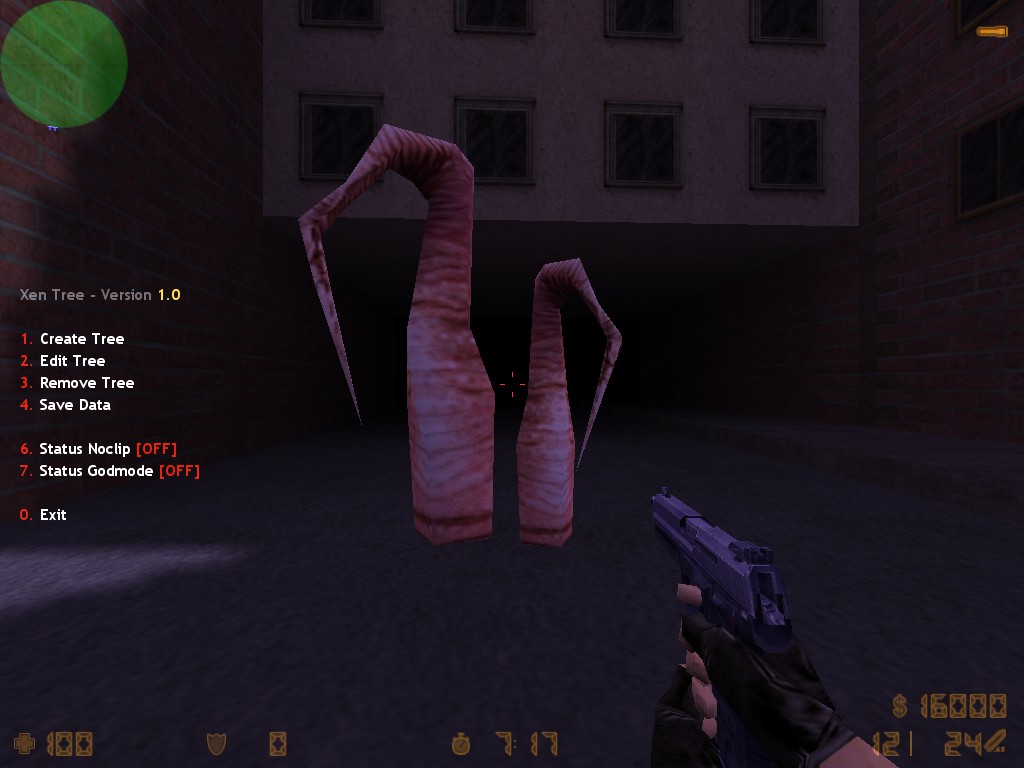
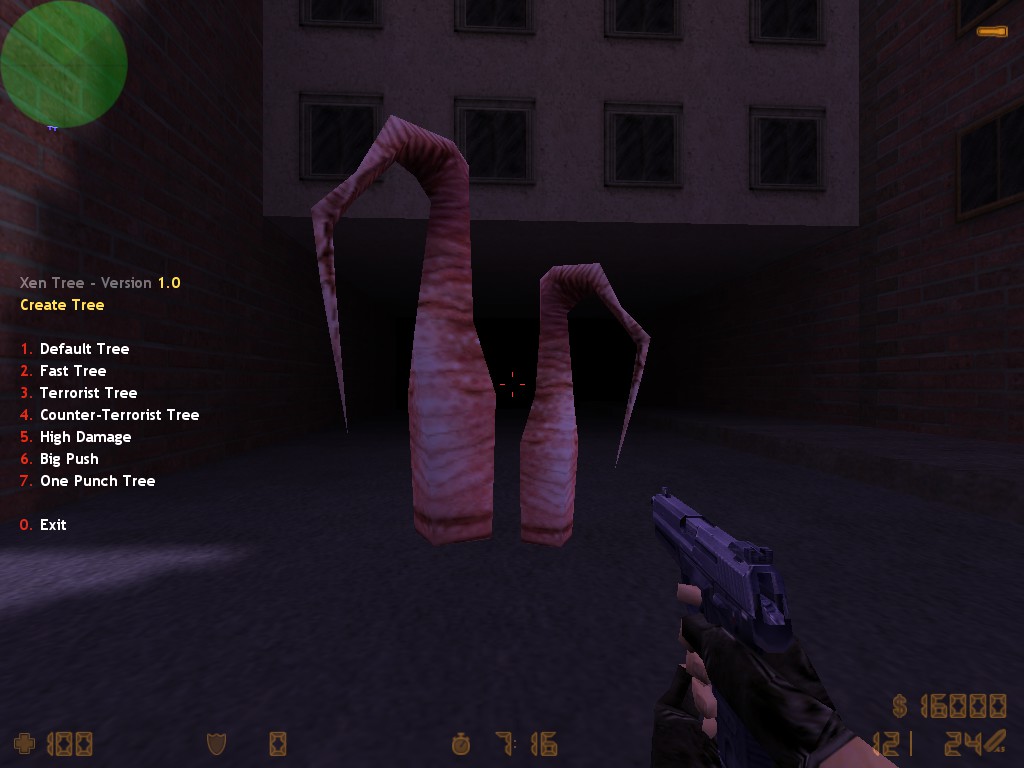
This plugin adds a fully dynamic Xen Tree system to Counter-Strike 1.6.
Xen Trees can be placed, managed and configured during gameplay with runtime control over activation, team access, damage and push effects.
 
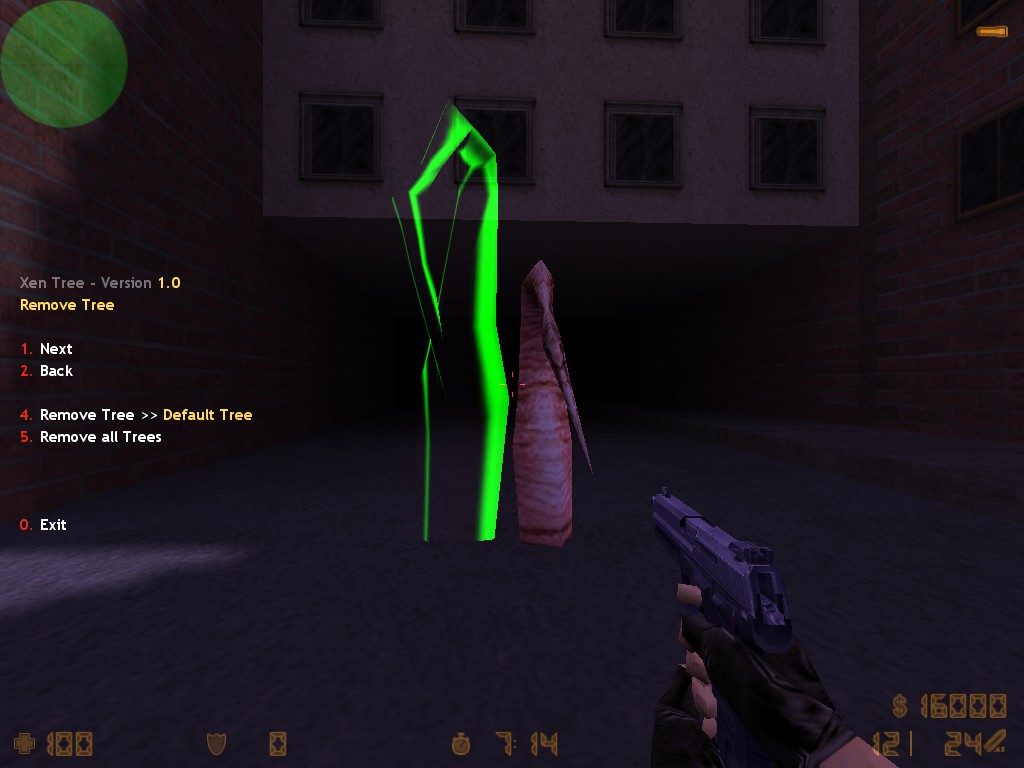
  • Create and remove Xen Trees during gameplay via an in-game menu
  • Two configurable tree sizes with independent models and collision bounds
  • Configurable per tree: team access, animation speed and spawn chance
  • Delayed and timed activation with configurable values for round-based gameplay
  • Optional cooldown before a tree becomes active again
  • Configurable damage and push force applied when the tree attacks
  • Optional damage trigger to activate the tree's attack behavior
  • Configurable attack and swing sounds
  • Optional blood effects and configurable blood color
  • Configurable punch angle applied to players when attacked
  • Dynamic tree rotation and natural ghost preview placement
  • Custom tree setups are saved per map and automatically loaded on every map start
  •  
    Commands
  • say /xt -- Opens the Xen Tree menu.
  • say_team /xt -- Opens the Xen Tree menu.
  • xt_reload -- Reloads the configuration file.
  •  
    Configuration
    # Per-tree settings (defined under each [Tree Name] section):
     
    # TREE_FLAGS              = a - Active Delay     b - Active Duration     c - Damage Trigger
    # TREE_TEAM               = 0 - None             1 - Terrorist           2 - Counter-Terrorist   3 - Both
    # TREE_FRAMERATE          = Tree's animation speed
    # TREE_SPAWN_CHANCE       = Tree's respawn probability (0.0 - 1.0)
    # TREE_ACTIVE_DELAY       = Delay in seconds before the Tree becomes active at round start
    # TREE_ACTIVE_DURATION    = Duration of the active state in seconds
    # TREE_ACTIVE_COOLDOWN    = Cooldown in seconds before the Tree becomes active again
    # TREE_DAMAGE             = Damage dealt to players when the Tree is active (MIN - MAX)
    # TREE_PUSH               = Push force applied to players when the Tree is active (MIN - MAX)
    # TREE_SOUND_ATTACK       = Sound to play when the Tree attacks a player
    # TREE_SOUND_SWING        = Sound to play when the Tree swings (but doesn't hit a player)
    
     
    Changelog
    * v1.0: Initial release.


    Download
     

    Załączone miniatury
    • 20260909164952_1.jpg
    • 20260909164953_1.jpg
    • 20260909164956_1.jpg

    • +
    • -
    • 1


    #780428 Portal

    Napisane przez RedSMURF w 04.09.2026 07:45

    Portal

     
    Description
    This plugin adds a fully dynamic Portal system to Counter-Strike 1.6.
    Portals can be placed, managed and configured during gameplay with runtime control over visibility, team access, activation states and teleport destinations.
     
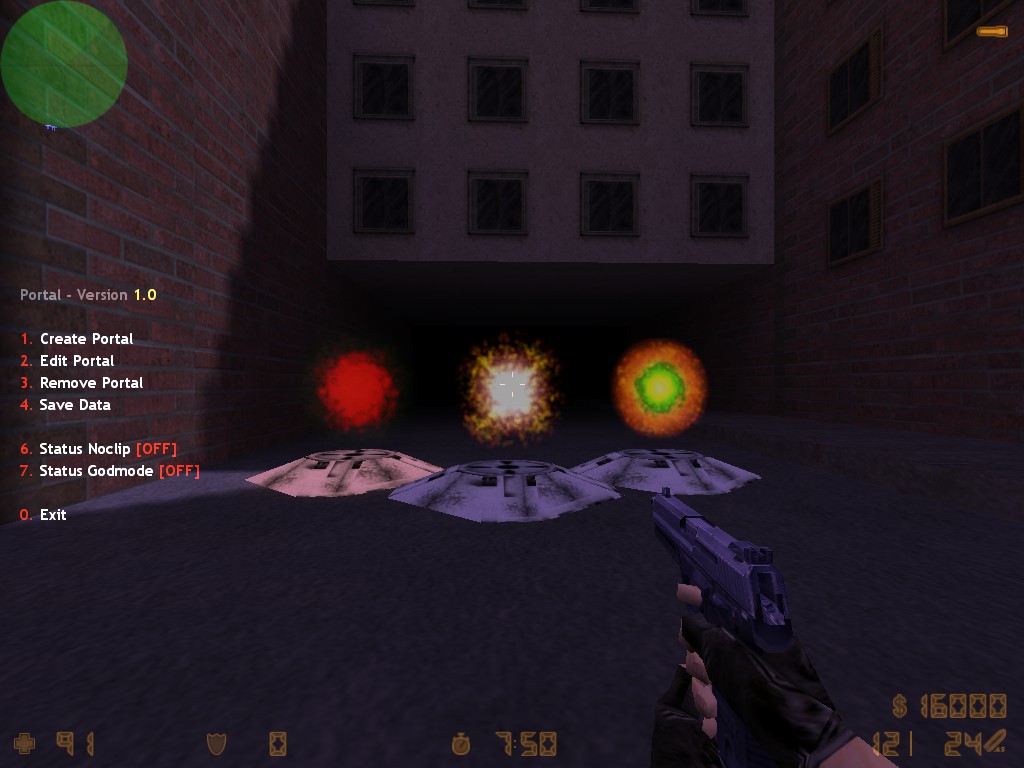
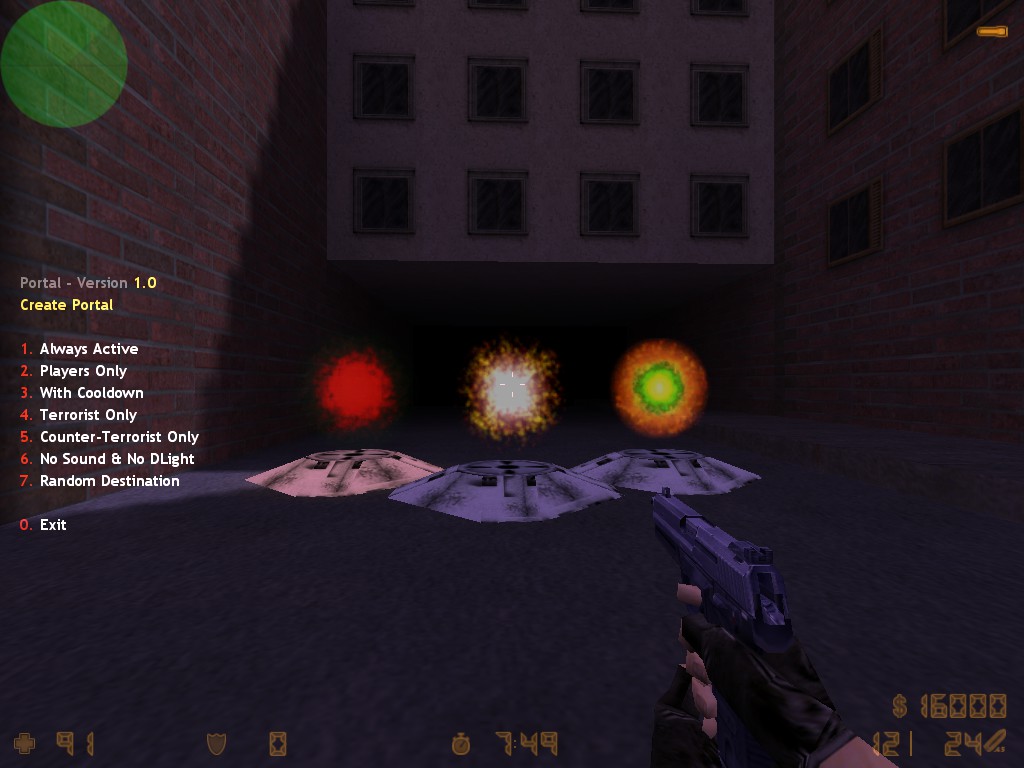
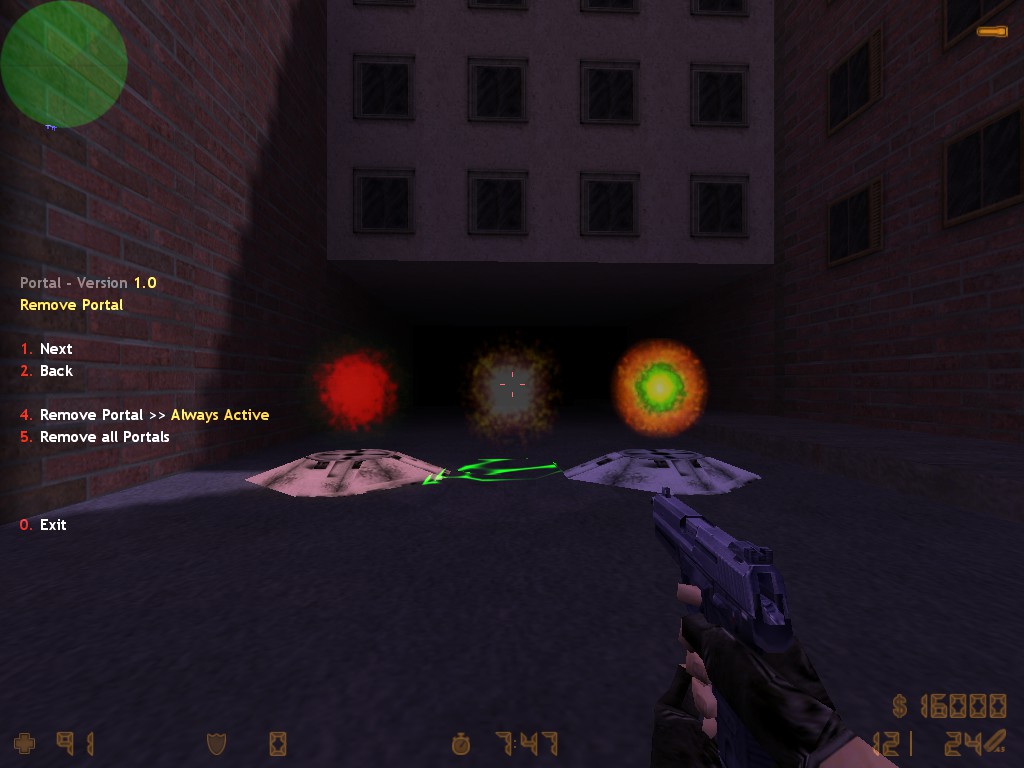
  • Create and remove portals during gameplay via an in-game menu
  • Two-part portal system with a base entry point and a configurable destination
  • Configurable per portal: team access, animation speed and spawn chance
  • Delayed and timed activation with random ranges for round-based gameplay
  • Optional cooldown before a portal becomes active again
  • Optional DLight and teleport sound effects on activation
  • Optional reverse activation for inverted portal behavior
  • Optional "Players Only" restriction to limit teleportation to players
  • Dynamic portal rotation and natural ghost preview placement
  • Custom portal setups are saved per map and automatically loaded on every map start
  •  
    Commands
  • say /portal -- Opens the Portal menu.
  • say_team /portal -- Opens the Portal menu.
  • portal_reload -- Reloads the configuration file.
  •  
    Configuration
    # Per-portal settings (defined under each [Portal Name] section):
     
    # PORTAL_FLAGS               = a - Active Delay     b - Active Duration     c - DLight              d - Sound              e - Cooldown            f - Random            g - Players Only
    # PORTAL_TEAM                = 0 - None             1 - Terrorist           2 - Counter-Terrorist   3 - Both
    # PORTAL_FRAMERATE           = Portal's animation speed
    # PORTAL_SPAWN_CHANCE        = Portal's respawn probability (0.0 - 1.0)
    # PORTAL_ACTIVE_DELAY        = Minimum and maximum activation delay after round start
    # PORTAL_ACTIVE_DURATION     = Minimum and maximum active state duration
    # PORTAL_ACTIVE_COOLDOWN     = Minimum and maximum cooldown before reactivation
    # PORTAL_SPRITE_FRAMERATE    = Sprite animation speed
    # PORTAL_SPRITE_SCALE        = Sprite scale (1.0 = normal size)
    # PORTAL_SPRITE_ALPHA        = Sprite transparency (0 - 255)
    # PORTAL_SPRITE_COLOR        = Sprite color (RGB values 0 - 255)
    # PORTAL_DLIGHT_RADIUS       = DLight radius
    # PORTAL_DLIGHT_COLOR        = DLight color (RGB values 0 - 255)
    # PORTAL_COOLDOWN            = Cooldown in seconds before the portal can be used again
    # PORTAL_SOUND_AMBIENT       = Ambient sound to play when the portal is active
    # PORTAL_SOUND_TELEPORT      = Sound to play when a player uses the portal
    
     
    Changelog
    * v1.0: Initial release.


    Download
     

    Załączone miniatury
    • 20260904073133_1.jpg
    • 20260904073134_1.jpg
    • 20260904073136_1.jpg

    • +
    • -
    • 1


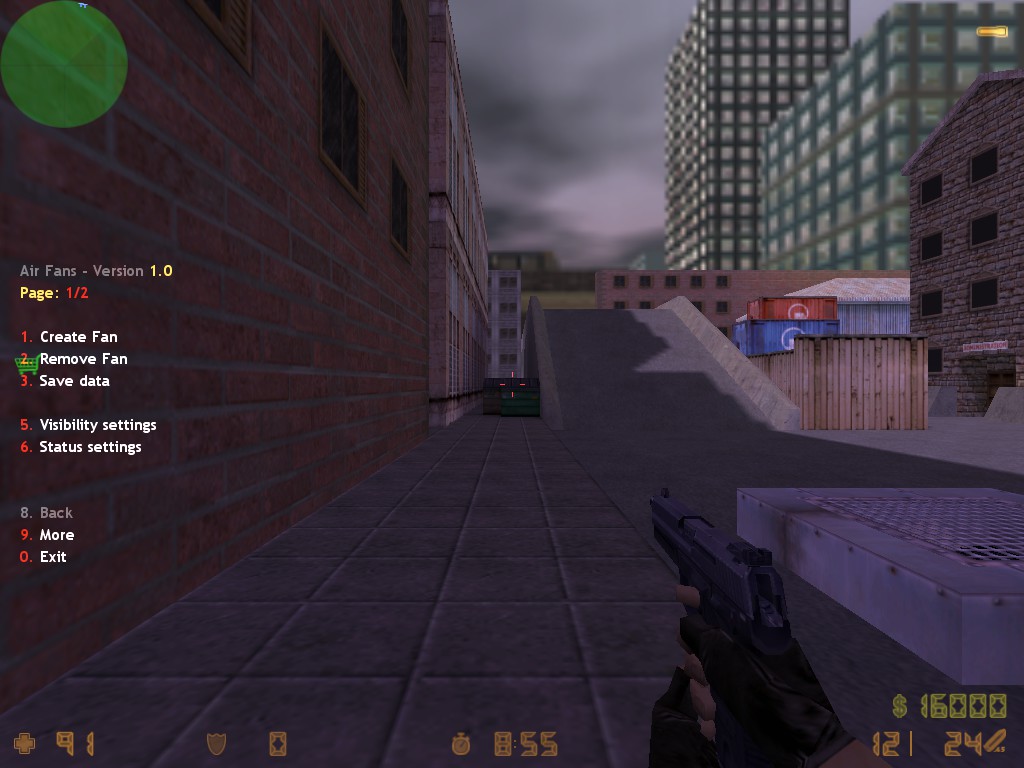
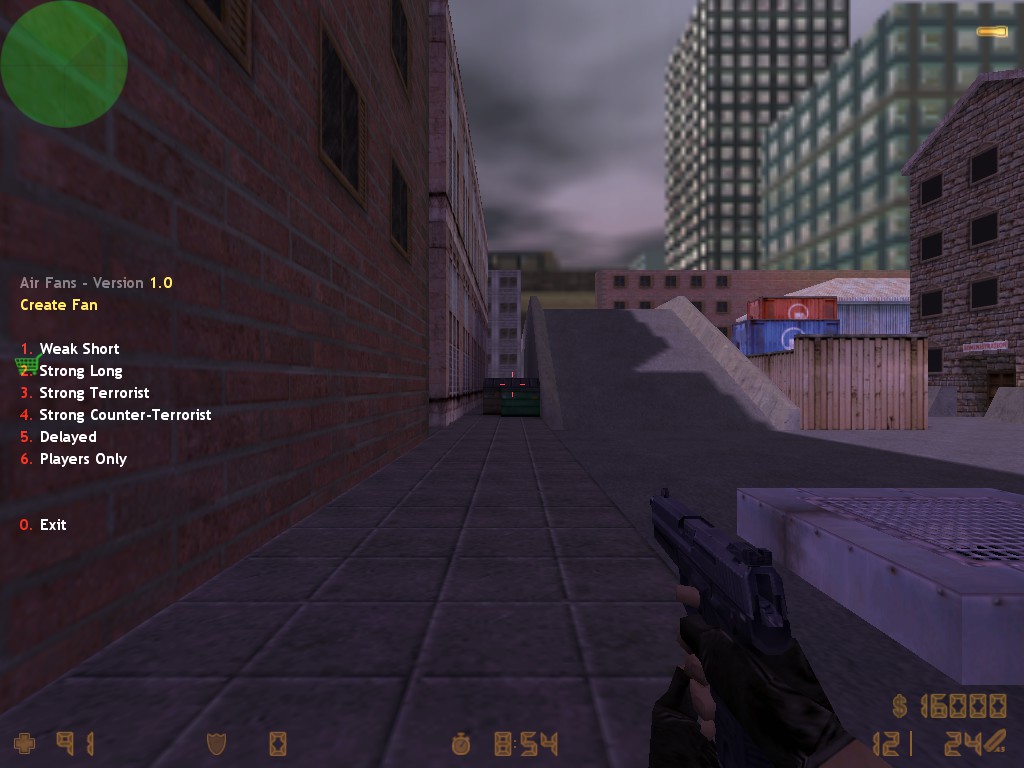
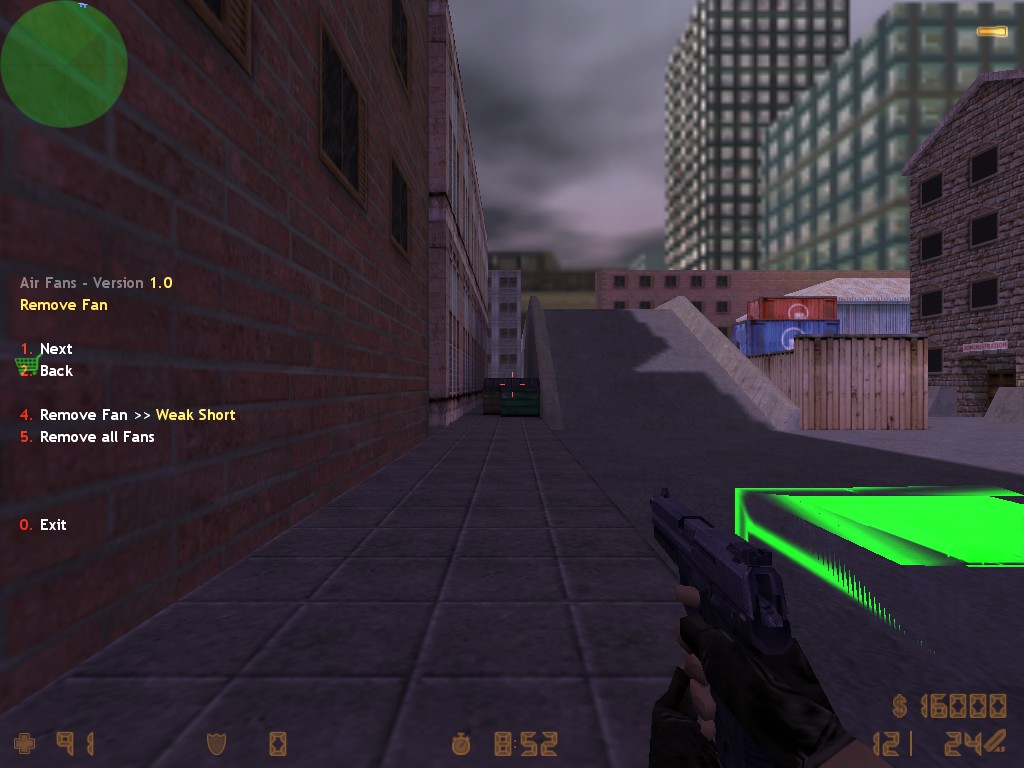
    #780400 Air Fans

    Napisane przez RedSMURF w 11.08.2026 17:46

    Air Fans

     
    Description
    This plugin adds a fully dynamic air fan system to Counter-Strike 1.6.
    Fans can be placed, managed and configured during gameplay with runtime control over visibility, team access, activation states and pushing strength.
     
    •  
    • Create and remove air fans during gameplay via an in-game menu
    • Multiple fan sizes with individual models and configurable push ranges
    • Fans push players and physical entities within their direction
    • Configurable per fan: team restriction, push strength, push frequency and fan length
    • Delayed and timed activation with random ranges for round-based gameplay
    • Dynamic fan rotation and natural ghost preview placement
    • Custom fan sounds with speed/pitch based on fan strength
    • Custom setups are saved per map and automatically loaded on every map start
     
     
    Commands
    •  
    • say /af -- Opens the Air Fan menu.
    • say_team /af -- Opens the Air Fan menu.
    • af_reload -- Reloads the configuration file.
     
     
    Configuration
    # Per-fan settings (defined under each [Fan Name] section):
     
    # FAN_FLAGS           = a - Active Delay, b - Active Duration, c - Players Only
    # FAN_TEAM            = 0 - None, 1 - Terrorist, 2 - Counter-Terrorist, 3 - Both
    # FAN_SPAWN_CHANCE    = Fan's respawn probability (0.0 - 1.0)
    # FAN_ACTIVE_DELAY    = Minimum and maximum activation delay after round start
    # FAN_ACTIVE_DURATION = Minimum and maximum active state duration
    # FAN_ACTIVE_COOLDOWN = Minimum and maximum cooldown before reactivation
    # FAN_PUSH_STRENGTH   = Push strength
    # FAN_PUSH_FREQ       = Minimum and maximum push frequency in seconds
    # FAN_LENGTH          = Fan's maximum push distance
    
     
    Changelog
    * v1.0: Initial release.
    
     
    WiIfoOwYL3E
     
    Download
    Załączony plik  Air-Fans-AirFansLatest.zip   93,66 KB  27 Ilość pobrań
     

    Załączone miniatury

    • 20260810071351_1.jpg
    • 20260810071353_1.jpg
    • 20260810071354_1.jpg

    • +
    • -
    • 1